ONNI
PROJECT / 01The systems behind a real business.

Three things to know
- The problem
- Customers need to find products; operations needs to follow the order through payment and delivery.
- My contribution
- Own the architecture, development, deployment and maintenance of commerce and operational systems, including payment and delivery integrations.
- What the evidence shows
- The public storefront is live. The existing recording follows the homepage, menu and category filter.
Evidence boundaries:The recording submits no order, payment or delivery. Backend fulfilment footage is still pending; integration work does not establish acceptance of every live transaction flow.
Watch the recordingInside the product
From discovering the brand to finding a product.
Public storefront, captured 2 October 2026. Browsing and filtering only; no order or payment submitted.
The homepage introduces the brand and leads into the shopping journey.
Open the image for the full screenshot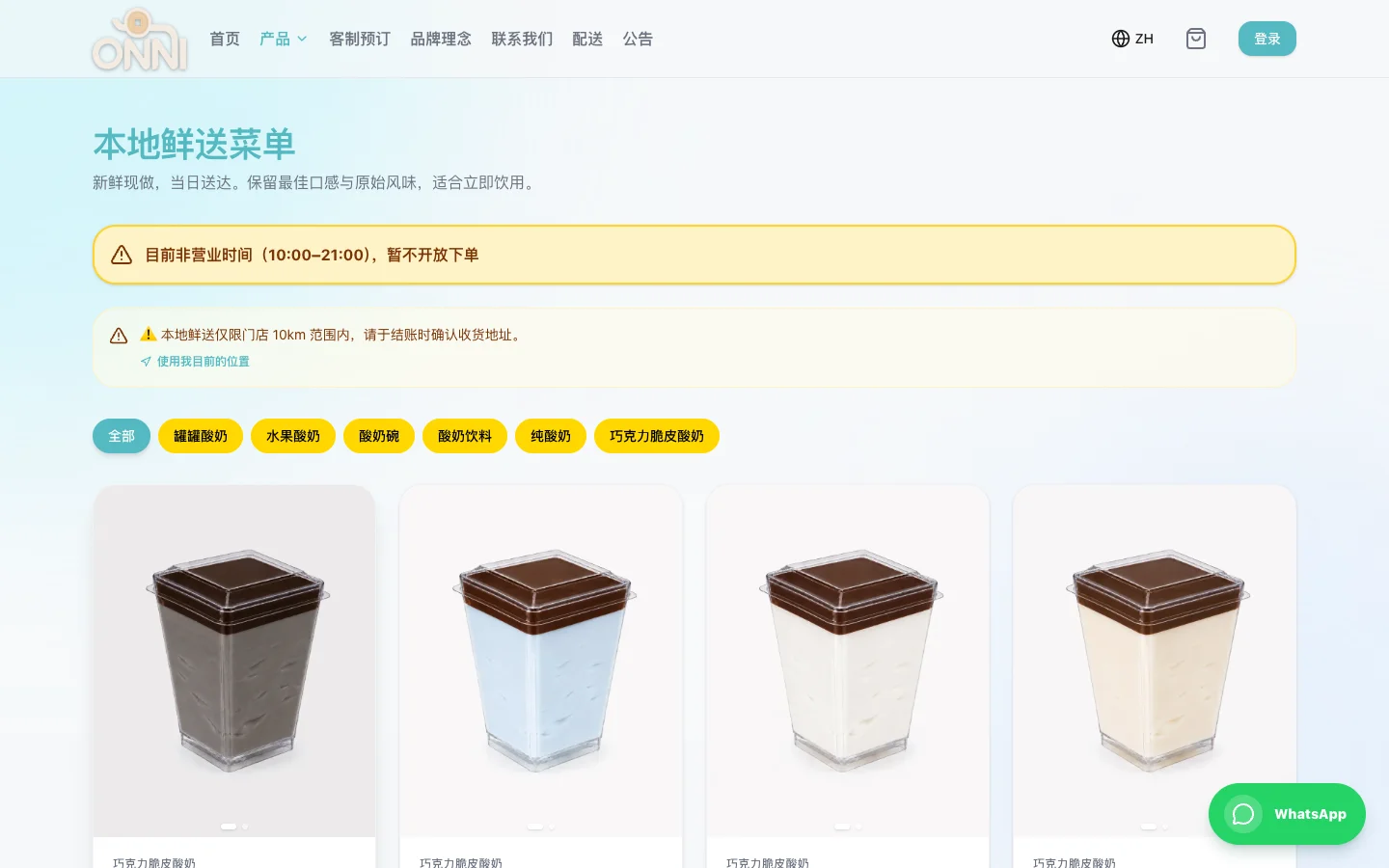
The local-delivery menu explains the delivery area before presenting products and prices.
Open the image for the full screenshot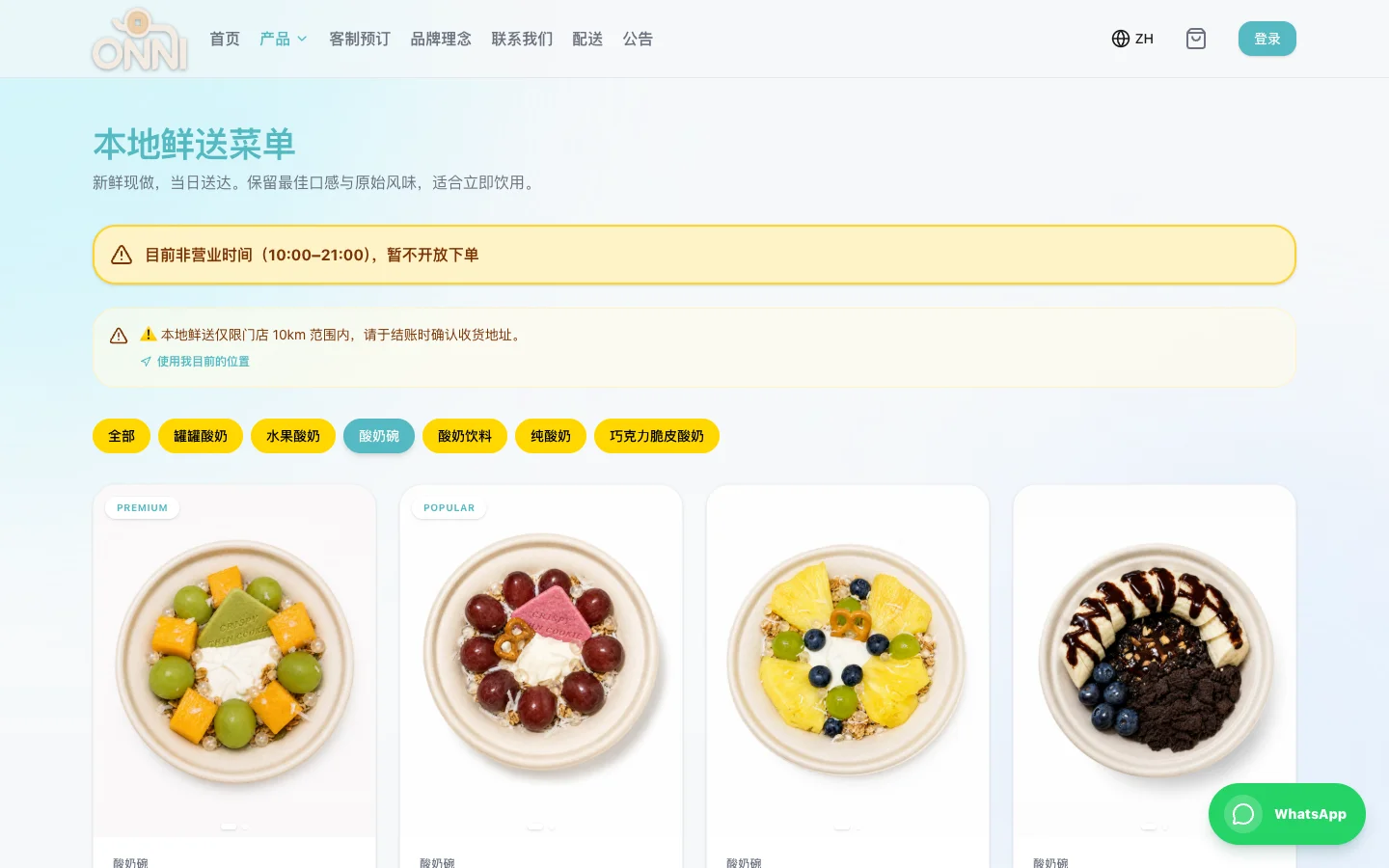
Selecting yogurt bowls narrows the menu while keeping product selection close at hand.
Open the image for the full screenshotDiscover the brand
A yogurt brand in Malaysia, and a very practical setting for building software. ONNI connects the customer-facing shop with the operational work that follows an order.
The homepage introduces the brand and leads into the shopping journey.
Browse the menu
Keep payment callbacks, order states and delivery consistent across the workflow.
The local-delivery menu explains the delivery area before presenting products and prices.
Narrow the selection
Public storefront live; admin and operational modules retain separate acceptance checklists.
Selecting yogurt bowls narrows the menu while keeping product selection close at hand.
A short walkthrough
Screen recording: open the menu and filter by category. No audio.
A yogurt brand in Malaysia, and a very practical setting for building software. ONNI connects the customer-facing shop with the operational work that follows an order.
The work behind an order.
Selling a product brings together a surprising number of decisions: how a customer pays, which delivery service applies, what staff need to see, and how the order moves forward. I develop ONNI’s systems around these business questions.
I own the technical lifecycle, from architecture and implementation to deployment, security and maintenance. The storefront, admin and operational tools connect to separate B2B and membership workflows.
Connect the steps carefully.
I built the storefront with Next.js, TypeScript and Supabase, integrating Curlec FPX payments and Lalamove delivery quotation and dispatch.
Behind the interface, order states and different payment callbacks need to agree. A successful screen alone is not enough to establish that an order is ready for the next step.
Operations behind the storefront.
The ERP work covers procurement, batch inventory, bills of materials, production and reconciliation. These workflows connect what is bought and produced with what staff need to fulfil an order.
Storefront, admin and ERP share an underlying codebase, with separate build outputs for the different environments. This keeps shared business logic maintainable while accounting for how each tool is used.
An ongoing business project.
The public storefront is live; this capture follows the homepage, menu and category filter. My ONNI work connects commerce, POS, administration, payments and delivery, with ERP covering procurement, inventory, BOM, production and reconciliation. Operational modules and related services retain their own acceptance checklists.
Working on my own brand keeps product decisions close to the business: the customer’s journey, the information staff need, and the steps between an order and its fulfilment.
ONNI / CONNECTED SYSTEMS
How the business connects.
Open a step to explore my work and its related case. These relationships follow the documented projects; each module retains its own acceptance scope.
01 / Customer ordering
I build the storefront, admin and operational architecture. A separate B2B flow handles retailer tiers and case pricing.
ONNI B2B02 / Payment confirmation
Curlec FPX integration aligns callbacks with order state. This map does not execute or revalidate real payments.
ONNI03 / Delivery & documents
The storefront integrates Lalamove quotes and dispatch. The separate invoicing tool handles invoices, delivery orders and receipts.
ONNI Invoice04 / Operations & members
ERP covers procurement, inventory, BOM, production and reconciliation. The separate membership system traces commissions to orders, with module-specific acceptance checks.
Membership & DistributionWalk through an order
Conceptual workflow using synthetic data. This is not a recording or connection to the ONNI backend.
- 01
Discover & order
The storefront presents products and collects the customer’s selection. This example starts with one synthetic yogurt bowl.
- 02
Payment confirmation
The payment integration provides a result for the system to verify. This example only explains the hand-off; it does not initiate a payment.
- 03
Prepare & fulfil
Operations reviews the confirmed order, prepares the items and coordinates delivery. No real order or delivery is created here.
- 04
Records & follow-up
Order and document records support reconciliation and follow-up. Separate tools have their own boundaries; the diagram does not imply that every connection is automated.
PROJECT NOTES
Project notes
These dates describe updates to this portfolio record, not product releases.
- Case record updated
- Recorded product status
- Own-brand project · evolving
- Documented work
- Public storefront live; admin and operational modules retain separate acceptance checklists.
- Next evidence to add
- A publishable backend walkthrough using isolated test data.
LET’S MAKE IT USEFUL
Working through an ordering, paperwork or operations problem?
Give your next step some shape.
Your text stays on this page. It is not saved or sent automatically.
Next project